An agent that checks its work
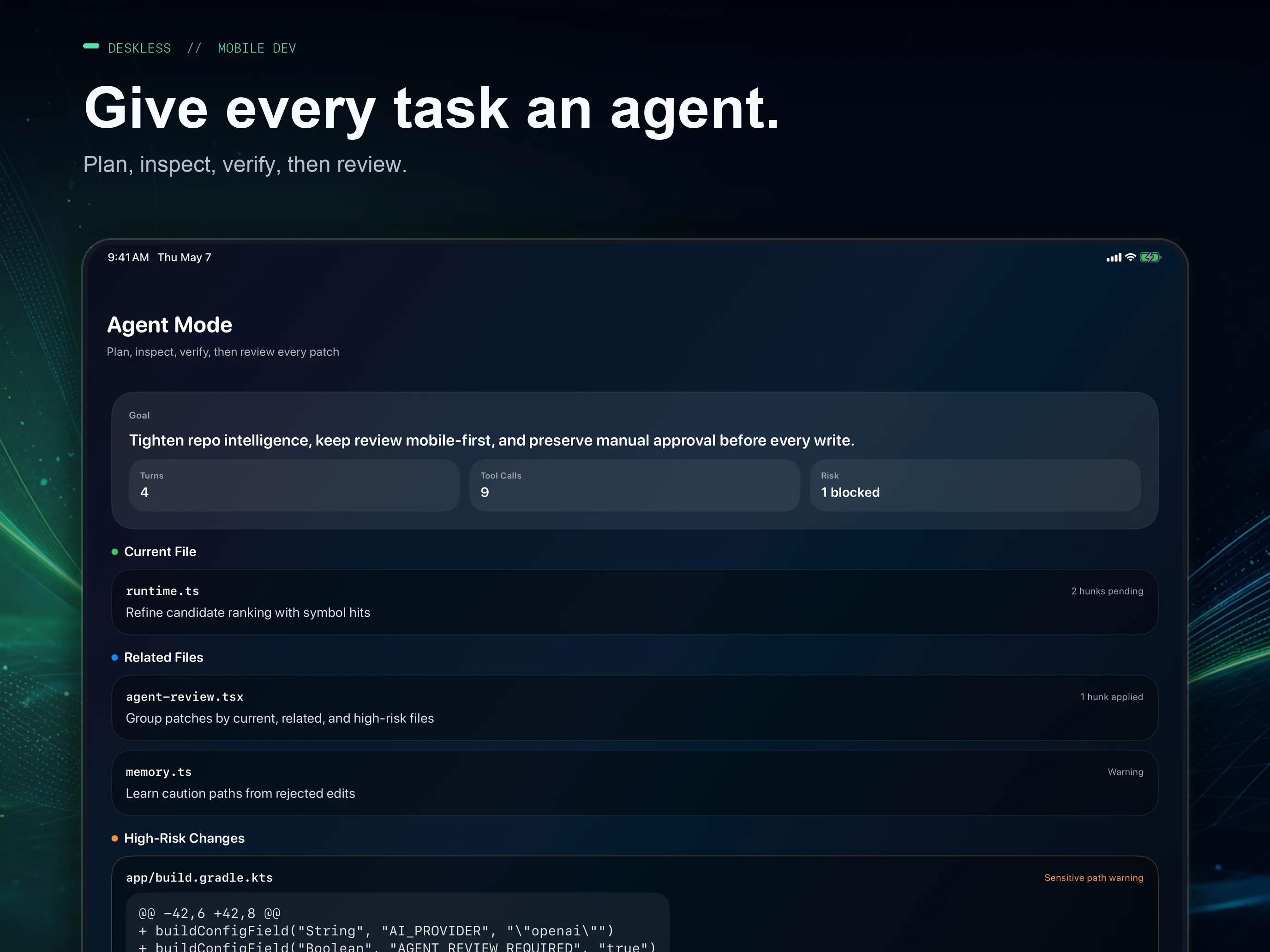
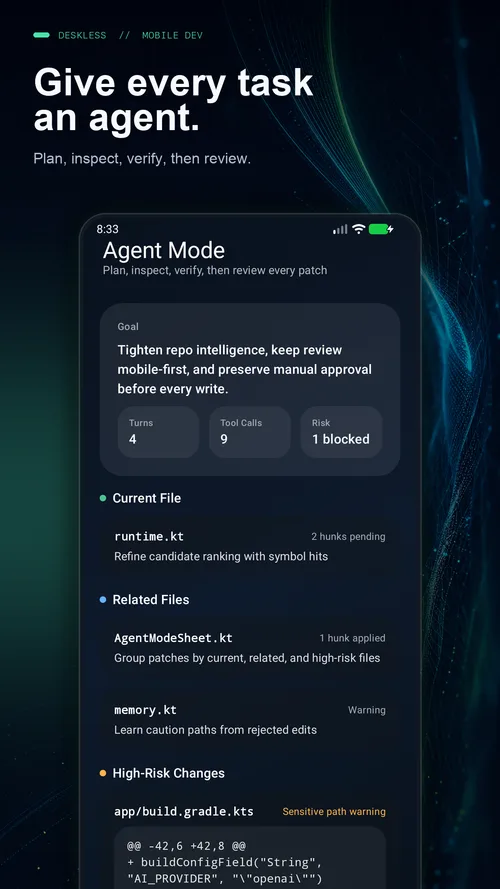
Agent Mode explores your project, edits a private draft, runs your project’s checks on the device and presents a patch to review. Tasks save checkpoints and can work on their own Git branch.
A native editor, local runtimes, Git with pull and merge request reviews, SSH and an agent that checks its own work. Deskless 3.0.1 is available for iPhone, iPad and Android now.
Deskless 3.0
Available in Deskless 3.0 on the App Store and Google Play.
Agent Mode explores your project, edits a private draft, runs your project’s checks on the device and presents a patch to review. Tasks save checkpoints and can work on their own Git branch.
Clone over HTTPS or SSH, see status, stage, commit, resolve conflicts, pull, push and sync without Pro. Pro adds branches, rebase, tags, history, blame, stashes and AI commit help.
Review on GitHub, GitLab and Forgejo/Gitea: CI checks and logs, local checkout, inline comments and suggested changes, approval and a merge pinned to what you reviewed. Fix with Agent and Start Work connect it to the agent.
Go to Definition, Find References, Rename, Show Documentation and Quick Fix from the editor, the keyboard or a modifier-click, for supported JavaScript, TypeScript and Python.
Bundled JavaScript, TypeScript and Python runtimes, SQL scripts with SQLite, web previews and debugging, including async JavaScript and TypeScript. Install pure npm packages and Python wheels from the public registries, then use them offline.
57 syntax languages plus plain text, code folding and multiple cursors, EditorConfig, completions, diagnostics, Quick Open, the Command Palette and project search across unsaved drafts.
Advanced Git, pull and merge requests, Find & Replace and project search, Markdown and HTML preview, SSH, Split Editor, Editor + Tools and independent windows require Pro; fold-aware layouts on foldables are free. Agent Mode and cloud AI require Pro and your own provider API key, with separate provider charges. Offline AI depends on device support and model readiness. Local runtimes support a defined set of packages and APIs; see the Project Tools guide for limits.
Agent Mode · iOS + Android
Deskless finds relevant files and symbols, edits a private draft, runs your project’s checks, calls out suspicious or sensitive edits, and lets you approve exactly what changes.
Cloud Agent Mode requires Deskless Pro and your own provider API key. Provider usage is billed separately. The separate Offline Agent uses supported on-device models: Beta on iOS, Experimental on Android.
Git changes
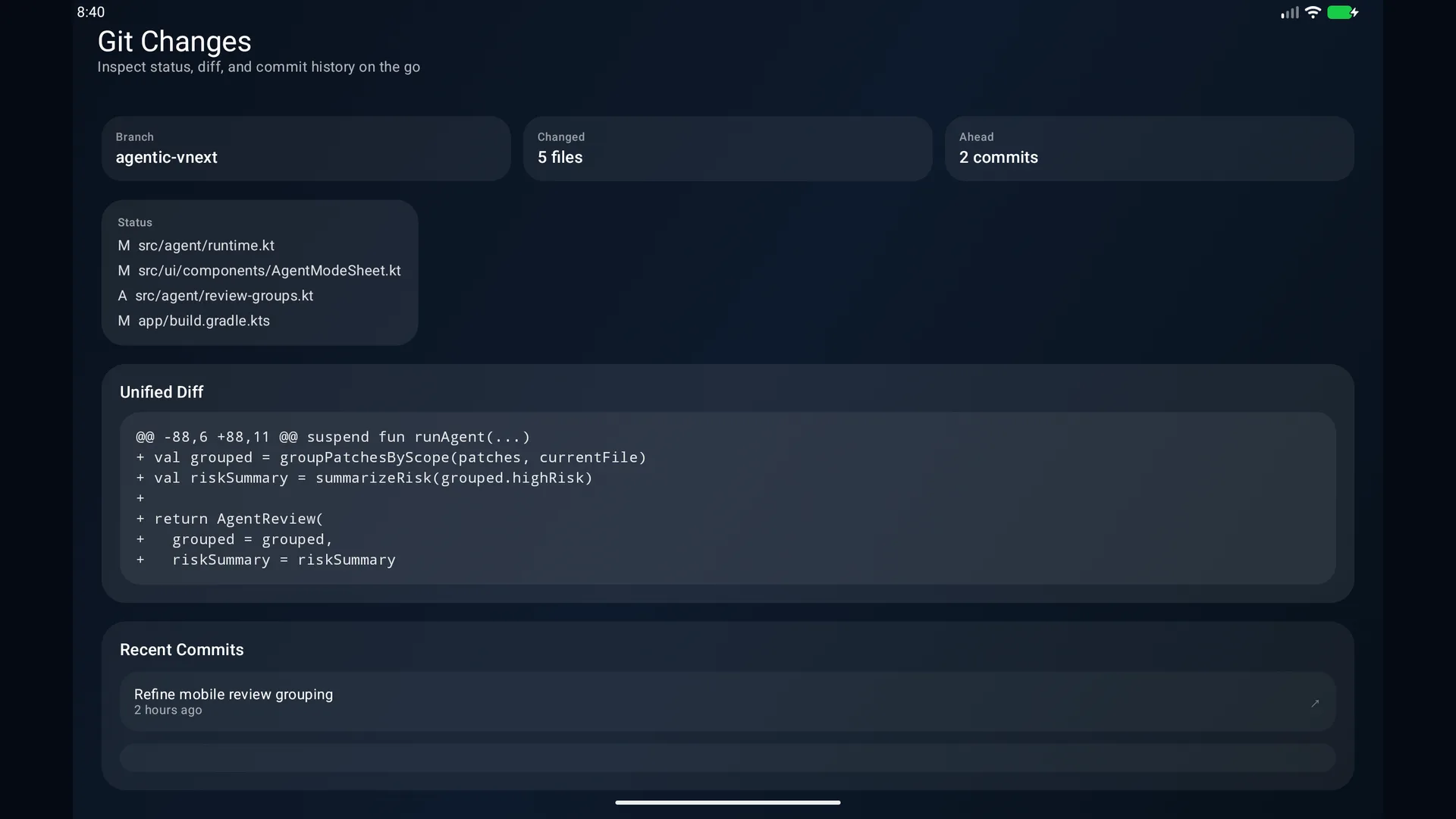
See the active branch, changed files and unified diffs for free. With Pro, add history, blame, and pull and merge request reviews without bouncing between tools.
Built for Android
Agent Mode, live HTML previews, and one-tap coding symbols. Layouts adapt to phones, tablets, and foldables while preserving your editor state.
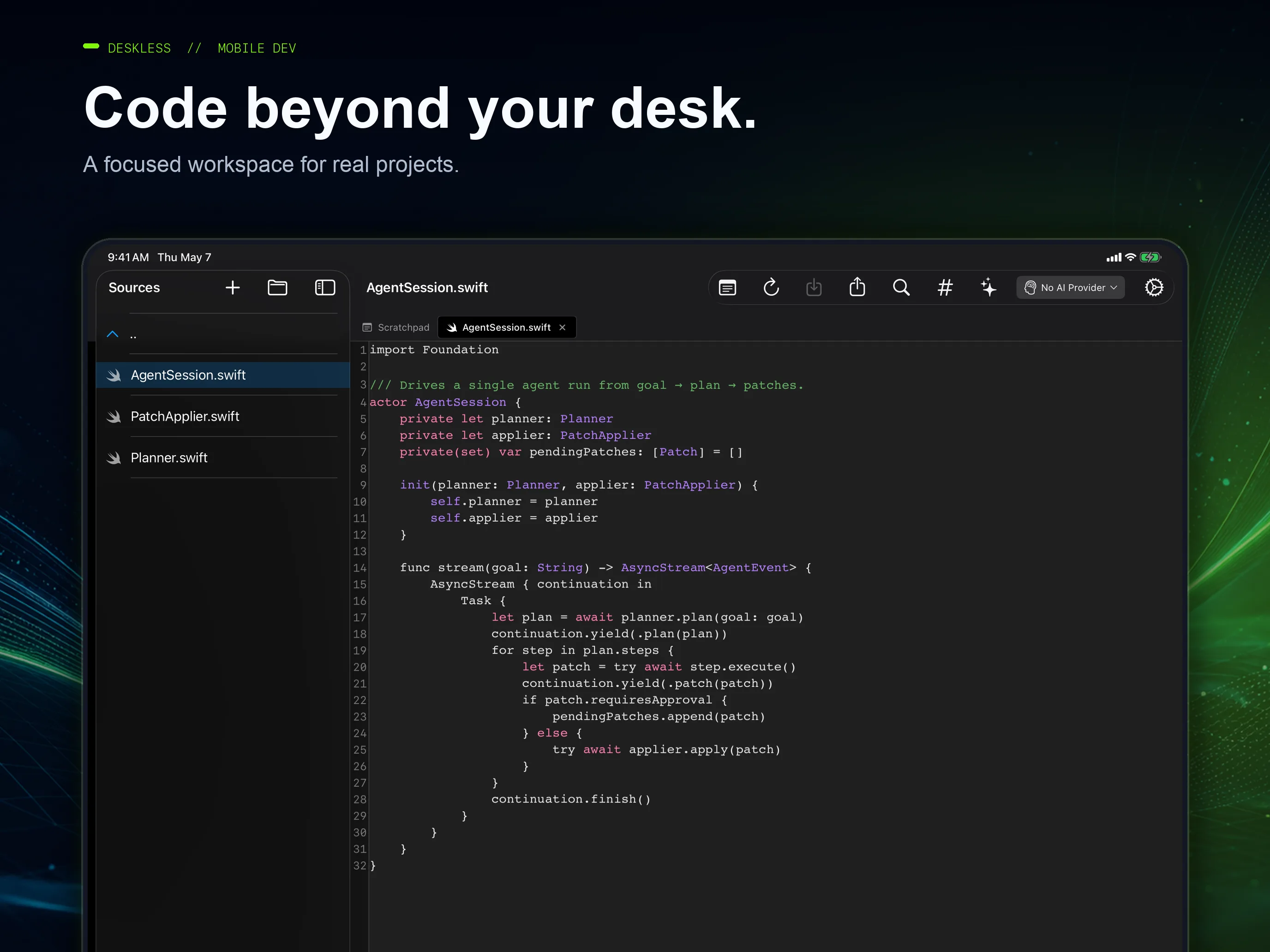
Project workspace
Browse the file tree, keep context across multiple tabs, and work with the project you already have.
Work anywhere
Read, edit, and commit locally without a connection. Sync with your Git remote or AI provider when the network is back.
3.0 platform details
Shared workflows, with controls designed for your screen, keyboard and operating system.
iPhone + iPad · 3.0
Choose Split Editor or Editor + Tools, with fold-aware iPhone Duo layouts. Use code folding, multiple cursors and ⌘-click navigation. Agent tasks can keep working after you switch apps when iOS allows it, with progress in Live Activities and Dynamic Island on supported devices.
Android · 3.0
Use independent windows, editor-and-tools layouts and tools below the hinge in tabletop posture. 3.0 adds code folding, multiple cursors, Ctrl-click navigation, desktop windows and a notification that keeps agent tasks running while you use other apps.
Offline Agent · Beta on iOS · Experimental on Android
Supported Apple devices use Apple Intelligence; supported Android devices use Gemini Nano. In 3.0 the Android agent is Experimental: it often misses requirements, so check and review every proposal. Device support, system settings and model readiness determine availability.
Everyday fixes
3.0 keeps Python output’s line breaks, restores the Agent panel’s Done button on iPhone, and improves large-text layouts, touch targets and contrast. Draft recovery and guarded replacements from 2.1 continue to protect your work.
iOS 26+ and Android 12+. Cloud providers include OpenAI, Anthropic, Google, xAI and OpenRouter. Grok can use an xAI API key or Sign in with Grok with an eligible account.
Read the full 3.0 release notes →Get Deskless today
Download 3.0.1 for iPhone, iPad and Android now.