Code that runs here.
Run and test JavaScript, TypeScript and Python with bundled runtimes. Project Tools brings console output, web previews, language tools and debugging into the workspace.
A serious mobile workspace for real projects, native Git, and reviewable AI agents. Every change stays visible—and under your control.

2.1 is here · iOS + Android
On-device JavaScript, TypeScript and Python. A real SSH terminal. More capable Git, smarter editing, and a workspace that makes room for your tools. Available now for iPhone, iPad and Android.
New in 2.1
Go from an idea to running code, a reviewed change, or a remote terminal session. These tools are available in Deskless 2.1 for iOS and Android.
Run and test JavaScript, TypeScript and Python with bundled runtimes. Project Tools brings console output, web previews, language tools and debugging into the workspace.
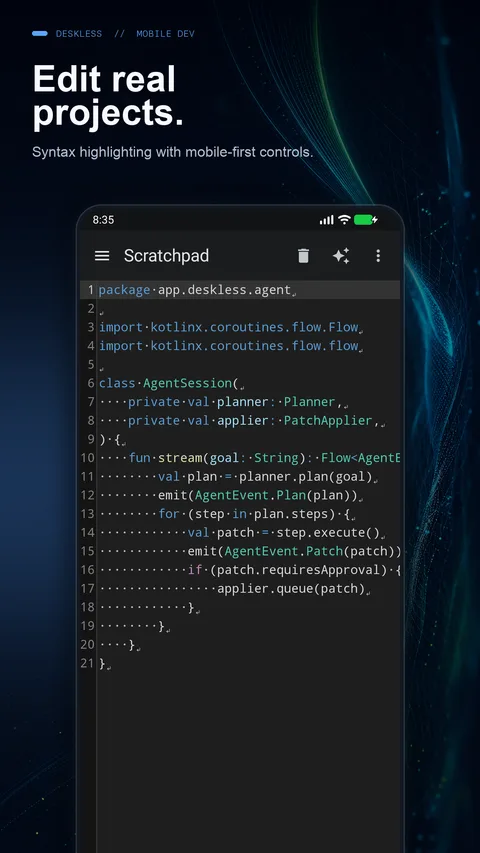
57 syntax languages, EditorConfig, Quick Open, a command palette, and diagnostics for supported languages. Search and replace across projects, including unsaved drafts.
Open an interactive SSH terminal with saved hosts and verified fingerprints. Explore Git blame and history, manage tags and rebases, and work with pull requests.
Advanced Git, SSH, project search and replace, and expanded workspace layouts require Pro. Cloud AI also needs your own provider key; provider charges apply.
Explore what’s new in 2.1 →New in 2.1 · iPhone Duo
Choose Split Editor or Editor + Tools, with fold-aware layout options for iPhone Duo. Keep the project close as the available space changes.
Android adds independent windows and tabletop tools below the hinge. Both platforms bring better keyboard, pointer and drag-and-drop workflows.
See platform details →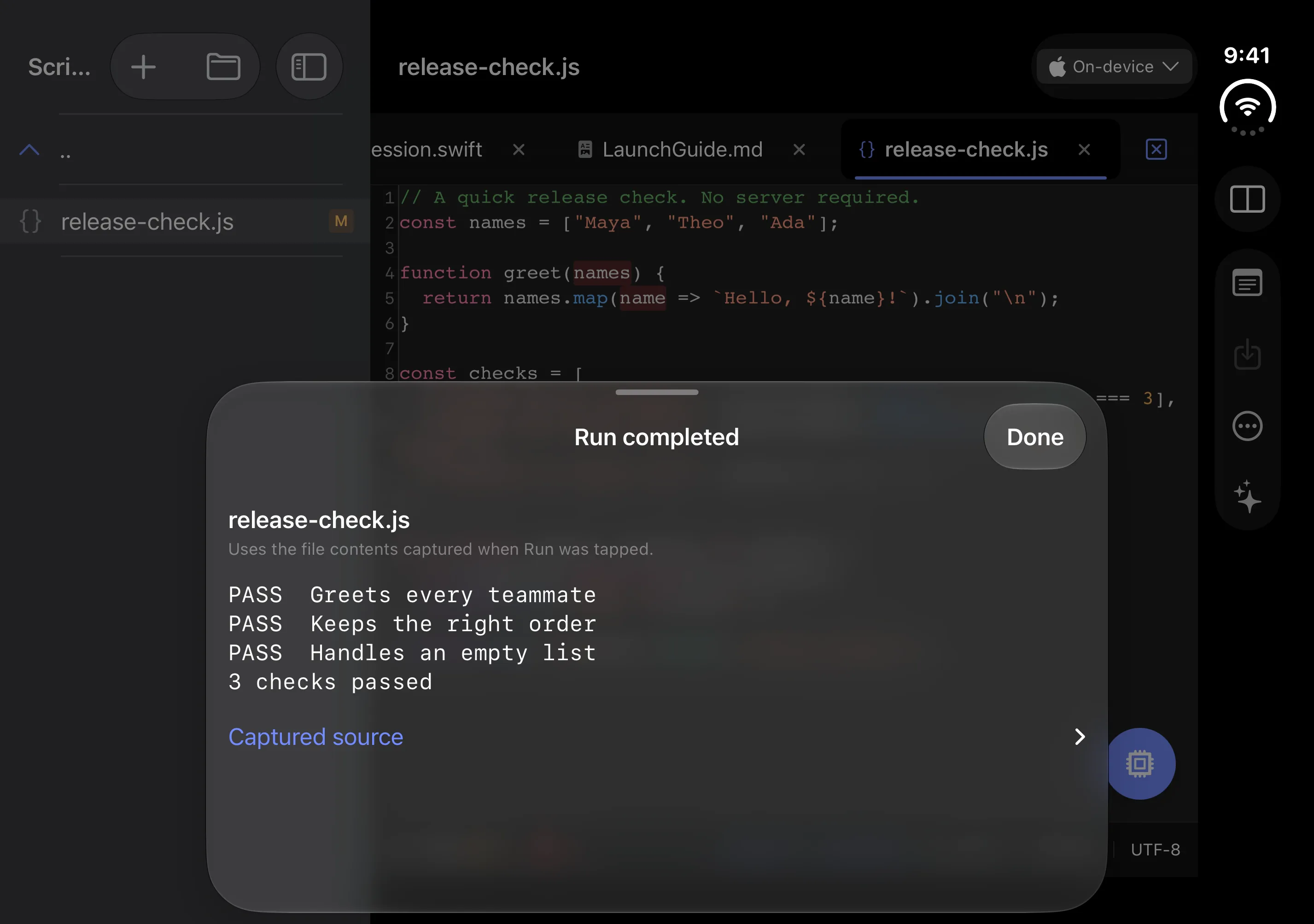
Agent Mode · iOS + Android
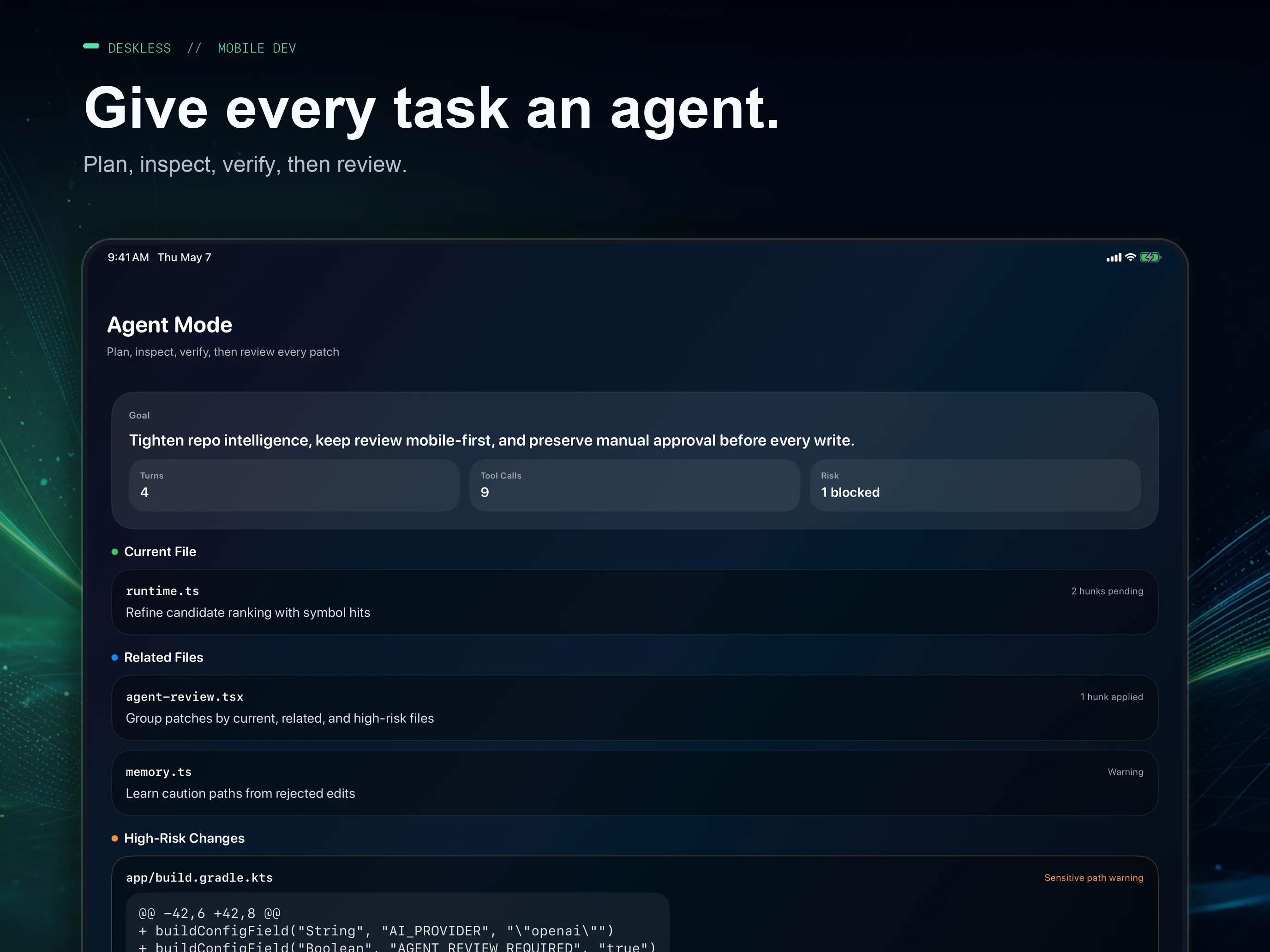
Agent Mode turns a request into a deliberate, repo-aware workflow. It plans, finds the right context, proposes targeted patches, flags risky edits, and waits for your approval.
Control stays with you
Fast enough for mobile, transparent enough for production code. Resume interrupted sessions and pick up exactly where your review left off.
Cloud Agent Mode requires Deskless Pro and your own provider API key. Provider usage is billed separately.
The full workspace
Deskless is designed around focused touch workflows, hardware keyboards, intermittent connections, and the work developers actually need to finish away from a laptop.
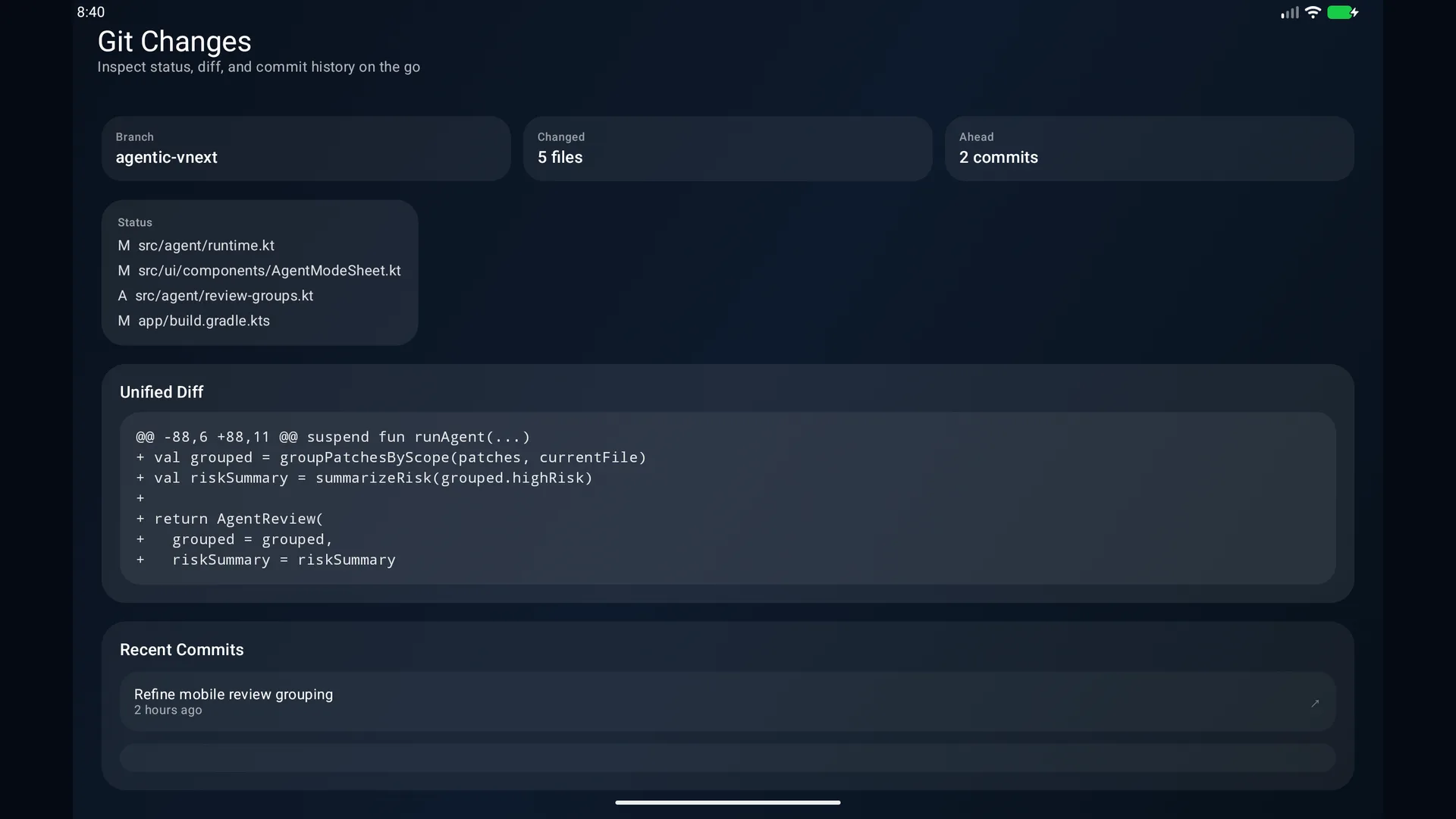
Git, built in
Clone over HTTPS or SSH, switch branches, inspect status and diffs, commit, pull, and push without leaving the project.
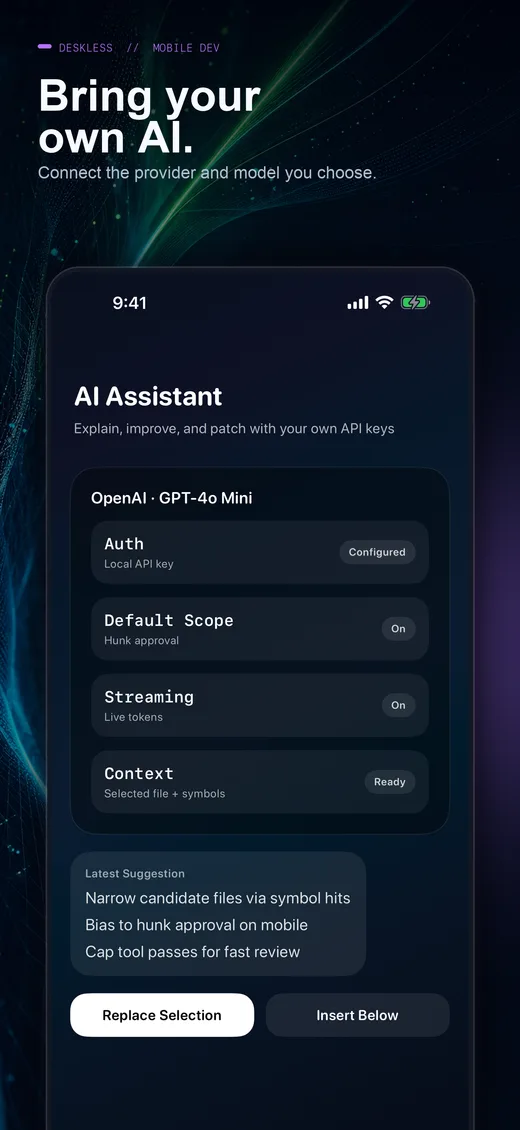
BYOK AI
Connect your own provider key for OpenAI, Anthropic, Google or xAI. In 2.1, OpenRouter joins the lineup and replies stream as they arrive.
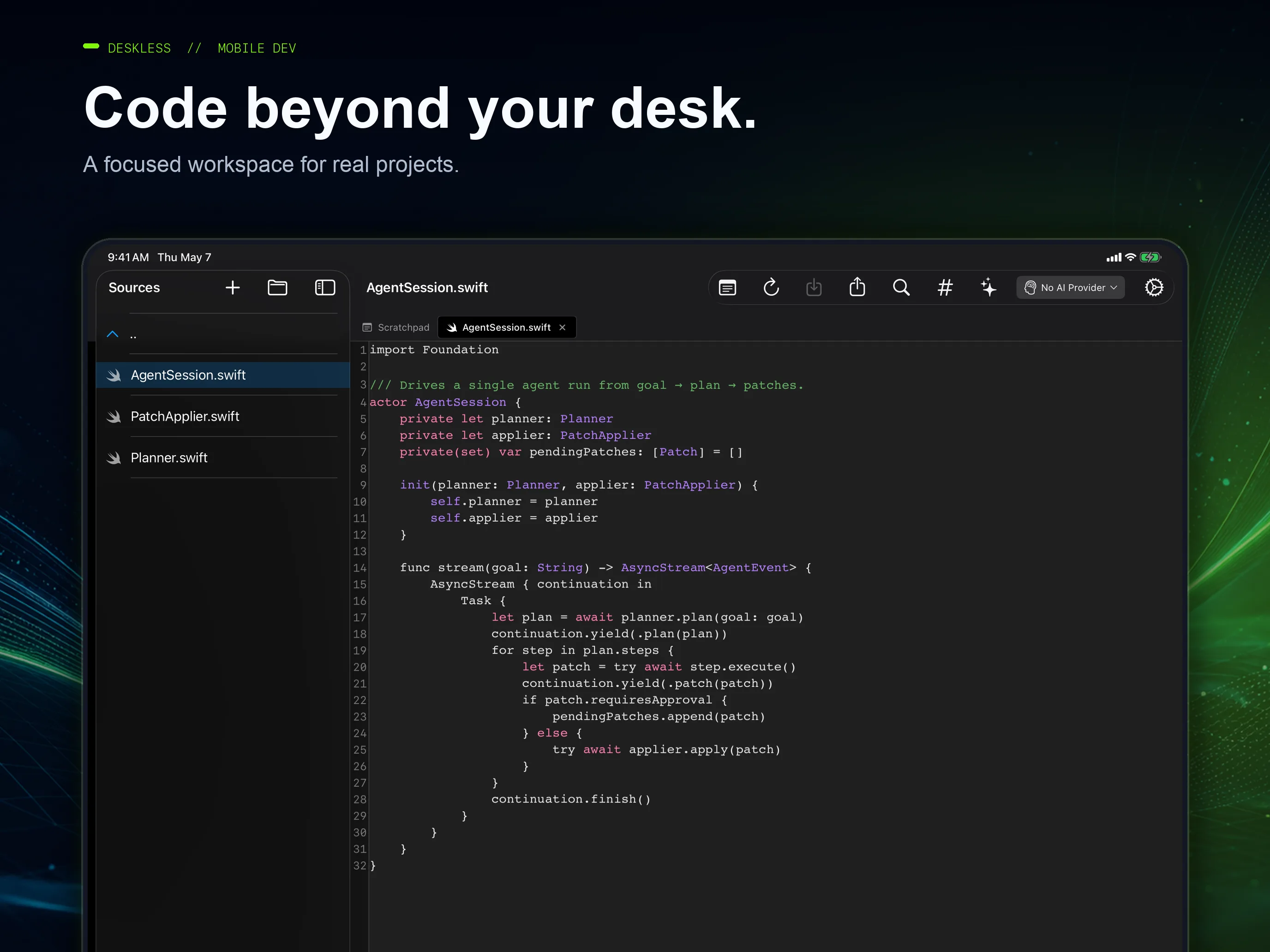
Real projects
Browse folders, keep multiple files open, search, preview Markdown and HTML, and move quickly with touch or a hardware keyboard.
Private by design
Projects are stored locally and credentials use secure OS storage. When you use cloud AI, selected code and context go to your chosen provider. Deskless has no ad SDKs, no code analytics, and no Deskless AI proxy.
Agent workflow
A mobile-first loop that keeps momentum high and surprises low.
Describe the change. Agent Mode builds a focused plan around your repo.
Deskless gathers relevant files and symbols instead of guessing blindly.
See grouped changes, risk signals, and every proposed patch before it lands.
Approve by file or hunk, then verify the result and keep moving.
Two native apps
Deskless respects each platform instead of forcing one interface everywhere. Core workflows are shared, with features and interactions shaped for each platform.
iOS + iPadOS
Fold-aware iPhone Duo layouts, Split Editor and Editor + Tools. Add code folding, multiple cursors and richer language tools to the native editor.
Try the beta Offline Agent on supported devices with Apple Intelligence enabled. Live Activities and Dynamic Island keep cloud agent progress within reach.
Explore iOS 2.1 →Android
Keep tools beside your code or below the hinge in tabletop posture. Work across independent windows, with improved keyboard, pointer and drag-and-drop controls.
Try reviewed offline edits with the Gemini Nano agent, in beta on supported devices. Native code folding and multiple cursors remain iOS features.
Explore Android 2.1 →Product updates
Get the useful stuff: meaningful feature releases, platform updates, and the occasional look behind the scenes at Deskless.
No spam. Unsubscribe whenever you like.
Get Deskless today
Review a patch between meetings. Fix a config from the train. Explore a codebase from the couch. Get 2.1 for iPhone, iPad and Android now.